How to Dispute EVG Traffic Fine


 April 6, 2026 10:11 am
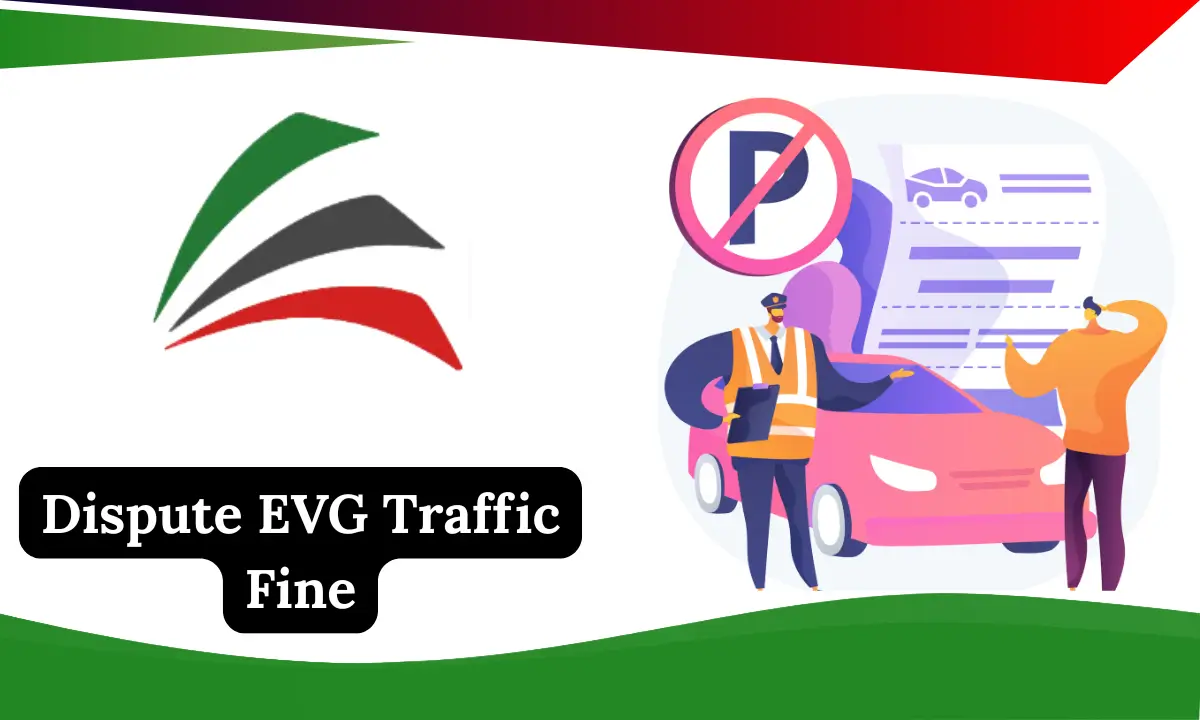
Traffic fines can be frustrating, especially when you believe a violation has been issued incorrectly. If you have received a fine through the Emirates Vehicle Gate (EVG) system and think it is unfair or inaccurate, you have the legal right to challenge it. Understanding how to dispute EVG traffic fines correctly can save you money, time, and unnecessary stress.
This guide explains the exact process, required documents, common reasons for rejection, and expert tips to increase your chances of success.
What Is an EVG Traffic Fine?
EVG (Emirates Vehicle Gate) is an official digital platform used in the UAE, particularly in Abu Dhabi, to manage vehicle-related services. These services include:
- Traffic fines
- Vehicle registration
- Driver’s license records
- Vehicle ownership details
An EVG traffic fine is usually issued based on:
- Automated speed cameras
- Road surveillance systems
- Manual reporting by traffic authorities
Sometimes, errors can occur due to unclear images, incorrect vehicle identification, or system delays. That’s when disputing the fine becomes necessary. The EVG platform allows vehicle owners to check their traffic fines online using multiple methods. You can search by traffic code number, vehicle plate number, or driving license number directly on the official EVG website. After logging in, the system will display detailed information about each violation, including the date, time, location, and amount owed. This provides transparency so users can see exactly what they’re being fined for before deciding to dispute.
When Should You Dispute an EVG Traffic Fine?
You should consider disputing your EVG traffic fine if:
- Your vehicle was not present at the violation location
- The vehicle was sold or transferred before the fine date
- The fine was issued due to camera error or unclear evidence
- The violation details (time, date, location) are incorrect
- Emergency circumstances forced a traffic violation
Disputes should always be filed as early as possible to avoid late penalties or legal complications. In some Emirates, fines are recorded and enforced across all emirates, meaning a violation captured in Abu Dhabi may show up under your vehicle’s record even if you were driving in Dubai or Sharjah. Because of this, regular online fine checking through EVG helps drivers avoid unexpected fines.
Problem Reporting Channels
| Method | Where to Go | Documents Needed | Time to Reply |
|---|---|---|---|
| EVG Website | evg.ae | Emirates ID, supporting documents, evidence | A few days to 1 month |
| Police Portal / App | MOI, Abu Dhabi Police, Dubai Police App | Emirates ID, supporting documents, evidence | A few days to 1 month |
| In Person | Traffic department or police station | Bring all required papers | A few days to 1 month |
How to Dispute EVG Traffic Fine Online (Step-by-Step)
Step 1: Access the Official EVG Portal
Visit the official Emirates Vehicle Gate platform and log in using:
- UAE Pass, or
- Registered account details
Make sure the information matches the vehicle owner’s records. On the EVG portal, the traffic fines section can be accessed by selecting “Traffic Violations” or “Pay Traffic Fines” after logging in. You may need to provide your traffic code number, Emirates ID, or vehicle plate number to ensure the system shows the correct fines for your record.
Step 2: Locate the Traffic Fine
Once logged in:
- Navigate to Traffic Fines
- Enter your vehicle plate number or traffic file number
- Review the fine details carefully
Double-check the violation date, time, and location.
Step 3: Select the Dispute Option
Click on the fine you want to challenge and choose “Dispute Traffic Fine” or a similar option provided on the platform.
Step 4: Submit Supporting Evidence
Strong evidence is critical for approval. Upload documents such as:
- Vehicle sale or transfer certificate
- GPS or parking records
- Insurance documents
- Dashcam footage (if available)
- Official letters (emergency or police reports)
Clearly explain why the fine is incorrect in simple and factual language. Ensure all digital files are clear and readable; photos or videos must show exact timestamps and locations if possible. Evidence with accurate timestamps is more likely to support your dispute successfully.
Step 5: Submit and Track Your Request
After submission:
- You will receive a reference number
- Track the status through the EVG portal
- Decisions usually take a few working days
You may be contacted for additional clarification. Decisions on dispute submissions are usually received within a few days, but complex cases, especially those requiring inter-emirate investigation, may take longer to resolve.
Common Reasons EVG Traffic Fine Disputes Get Rejected
Understanding common mistakes helps you avoid rejection:
- Submitting a dispute without evidence
- Missing the allowed dispute timeframe
- Writing emotional or unclear explanations
- Uploading unreadable or irrelevant documents
- Disputing fines already escalated to court
A clear, professional, and evidence-based request has a much higher success rate. It’s useful to provide documentation that matches the vehicle’s location at the time of the violation. Simple GPS screenshots or parking evidence can be decisive.
How Long Does an EVG Traffic Fine Dispute Take?
In most cases:
- Review time ranges from 3 to 10 working days
- Complex cases may take longer
- Status updates are visible in your EVG account
Some online If approved, the fine will be cancelled or adjusted. If rejected, you may still have the option to escalate legally. Some appeal systems show expected timelines of up to 30 days for final decision updates, especially when multiple evidence checks are needed.
Can You Dispute an EVG Traffic Fine Offline?
Yes. If online submission is not possible, you can:
- Visit a traffic department service center
- Submit documents in person
- Request official clarification
This method is usually recommended for complex disputes or high-value fines.
Legal Rights of Vehicle Owners in EVG Traffic Fines
UAE traffic law allows:
- Fair review of violations
- Evidence-based challenges
- Transparent decision-making
Authorities are required to review disputes objectively if proper documentation is provided.
Expert Tips to Win Your EVG Traffic Fine Dispute
- Submit the dispute as soon as possible
- Keep explanations short and factual
- Use official documents only
- Avoid emotional language
- Follow up regularly through the portal
A professional presentation significantly improves approval chances. Always keep copies of your dispute submission and supporting documents. If further follow-up is required, having your files well organized helps prevent delays.
FAQs About Dispute EVG Traffic Fine
Conclusion
Disputing an EVG traffic fine is a legal and straightforward process when done correctly. By submitting timely requests with clear evidence and accurate details, vehicle owners can successfully challenge incorrect fines and protect their rights. Regularly checking your EVG account for new fines and keeping your contact information updated can help you avoid late penalties and maintain a clean driving record.
Dubai Abulhoul Alfalasi
I am Dubai Abulhoul Alfalasi, an Emirati author, diplomat, and founder of Fiker Institute. My work focuses on global governance, diplomacy, and cultural dialogue. Through my writing, I aim to inspire thoughtful leadership. Visit my website: https://evgfinecheckae.com/ for more insights